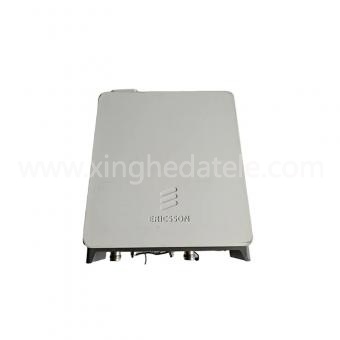
To carry out mobile network modernization while minimizing avoidable live‑network outages, operators can adopt a structured workflow: define capacity and interface requirements, validate target platform and exact board part numbers, conduct compatibility verification, and perform roll‑out within a predefined maintenance window. This article explains how Nokia baseband boards facilitate incremental network upgrade projects, and delivers actionable inspection and planning guidance for network engineering teams covering planning, technical validation, and site acceptance.
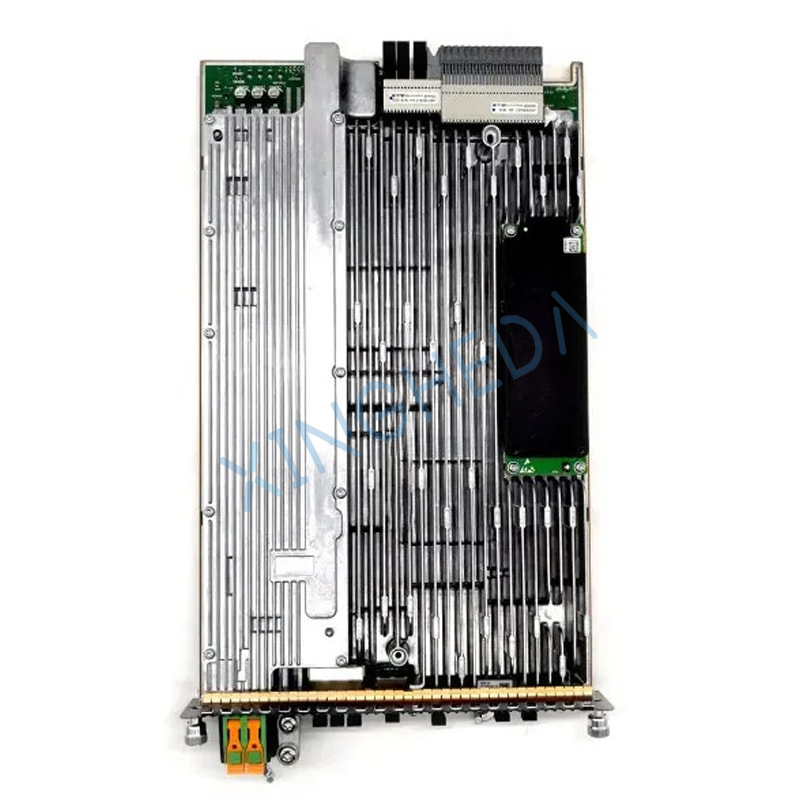
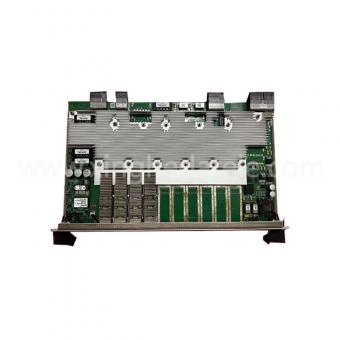
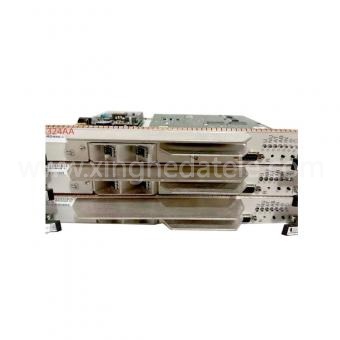
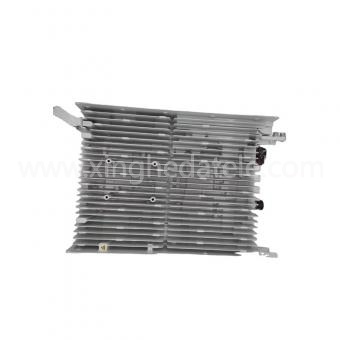
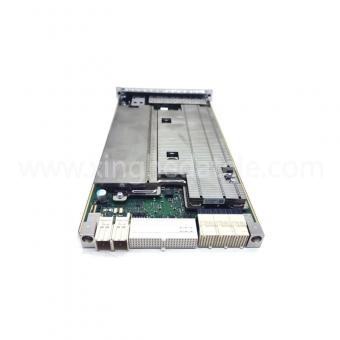
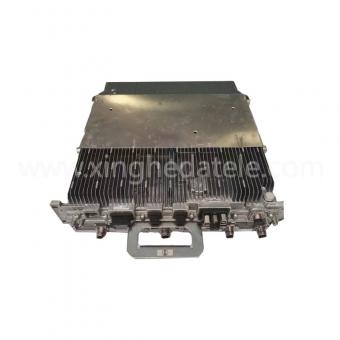
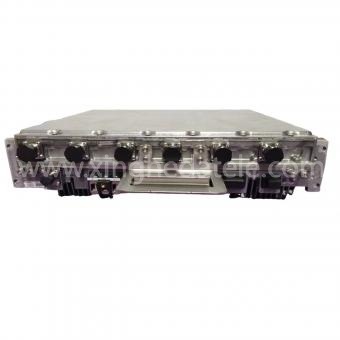
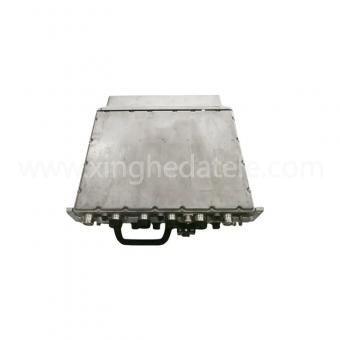
A Nokia baseband board executes radio‑access signal processing inside compatible base station subracks. Depending on chassis configuration and hardware revisions, these cards deliver baseband computing resources, interface termination capabilities, and expandable resources for capacity expansion and technology evolution. Actual performance is tightly constrained by board hardware revision, software release versions, feature licenses, and host subrack hardware. Engineering teams should always cross‑reference official equipment documentation rather than assuming universal feature support across different hardware variants.
In real‑world deployments, properly matched baseband boards help operators maintain supported hardware stacks, expand site‑level processing capacity within platform limits, or execute component‑level fault replacement as part of long‑term modernization roadmaps. It should be noted that a baseband board is only one element within the complete RAN solution; it cannot independently complete a full 5G upgrade or guarantee higher user throughput. Corresponding radio remote units (RRUs), transmission links, clock synchronization, base‑station software releases, and feature licenses must all match the new hardware configuration to achieve expected network performance.
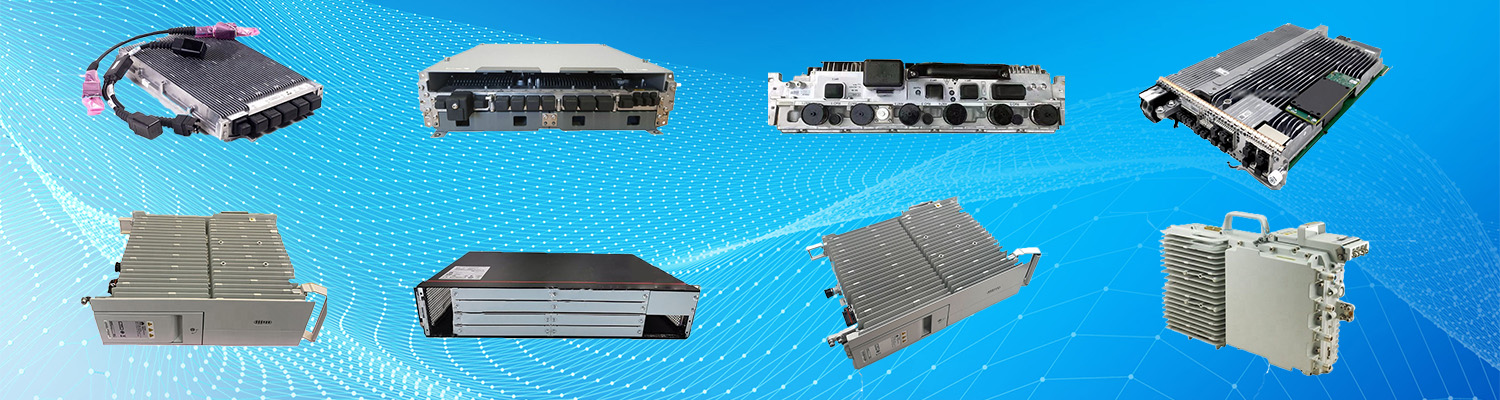
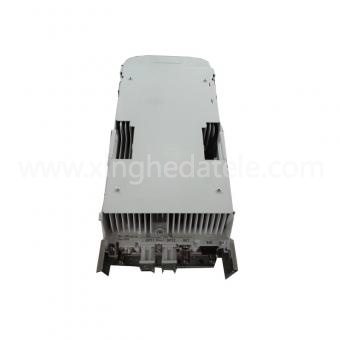
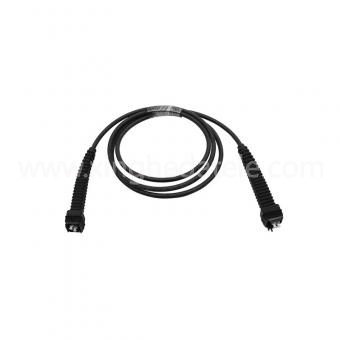
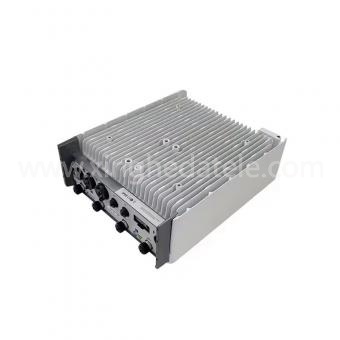
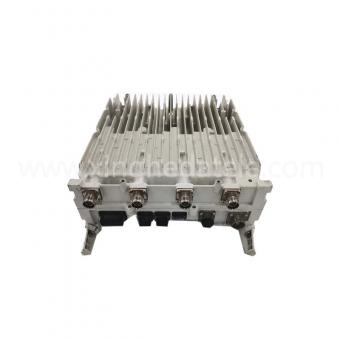
Typical hardware combinations in AirScale deployments pair indoor subracks such as AMIA with control boards (ASIB / ASIK) and capacity processing boards including ABIO and ABIL, connecting outwards to outdoor remote radio units like FRGY, AZNA and ARHA over eCPRI optical interfaces.
Before sourcing replacement or expansion hardware, teams should document existing site configuration and target end‑state objectives. This avoids a frequent pitfall: receiving physically‑similar boards incompatible with the shelf, backplane, running software, or licensed feature sets.
These data points serve as the fundamental input for hardware selection. Complete platform and part‑number validation is mandatory, rather than an optional step in purchasing decisions.
Export site asset inventory and active configuration. Record historical alarms, real‑time traffic statistics, existing board operational status, and currently‑running software versions. Save a full pre‑change configuration backup and define a clear roll‑back point. A solid baseline allows engineers to distinguish new upgrade‑related faults from pre‑existing site anomalies after hardware insertion.
Cross‑check hardware label information and revision codes against the approved bill‑of‑materials. Visually inspect connectors, surface components, and board edges for physical damage, contamination, or signs of rough handling. Confirm hardware has been transported under proper ESD‑protected conditions with anti‑static packaging. Request hardware traceability documents and applicable test reports matching the hardware condition.
Make inspection requirements quantifiable in technical specifications. For instance, specify 100% visual inspection records and define the scope of functional verification where testing is feasible. Where mechanical tolerances are defined in official drawings, require dimensional measurement within published tolerances. These are project‑specific acceptance terms rather than universal attributes applying to every baseband board variant.
Select industry workmanship standards appropriate for telecom hardware. IPC‑A‑610 defines electronic assembly visual acceptance criteria; IPC‑6012 governs rigid printed‑circuit‑board qualification. Neither standard by itself proves interoperability with a specific Nokia base‑station platform. Quality‑management system certifications are separate from product‑level compatibility validation. Always request explicit test methodologies, revision levels, measured results, and hardware traceability, and coordinate system‑level safety requirements with system integrators.
Where operational schedules permit, validate hardware inside a compatible test environment or spare chassis before live‑network insertion. Confirm that the base‑station system correctly recognizes the new board, software and configuration load successfully, and no unexpected alarms or interface errors appear. Always adhere to Nokia platform‑specific operational procedures and internal organization change‑control policies; generic universal test sequences cannot replace model‑specific verification workflows.
Prepare full maintenance workflows, confirm site access and safety procedures, notify related operation teams, and assign certified on‑site technicians. Follow strict ESD control practices, label cable connections as needed, and strictly execute platform‑specific board removal and insertion procedures. After physical installation, validate board operational status, synchronization status, transmission connectivity, alarm status, and key service KPIs before formally closing the change ticket.
Compare post‑upgrade alarm logs and performance metrics against the pre‑change baseline. Document installed part numbers, hardware revisions, active software versions, test results, maintenance window timestamps, and any corrective actions taken. Extended post‑change monitoring helps capture intermittent hardware faults that may not emerge during short commissioning phases.
A small set of practical resources can minimize rework and accelerate technical approval:
With these control measures in place, baseboard‑led network modernization becomes a predictable engineering workflow. Teams clarify requirements upfront, validate exact hardware specifications, and measure outcomes after deployment. This methodology applies equally to planned capacity expansion, end‑of‑life hardware replacement, or restoration of faulty network elements.
Document host‑platform details and complete part‑numbers, confirm software and interface constraints, formalize written inspection and test acceptance criteria, and prepare controlled deployment plus roll‑back workflows. Clarify compatibility conditions, hardware‑condition disclosure, available test documentation, and agreed‑upon support terms before procurement. Successful network modernization built upon Nokia baseband hardware hinges on thorough qualification work, which reduces integration risks, preserves service continuity, and delivers auditable upgrade decisions.
Q: What core specifications should be assessed when selecting Nokia baseband boards?
A: Confirm host subrack platform, full part number, hardware revision, and software‑release compatibility. These parameters ensure hardware interoperability with existing infrastructure and satisfy operational requirements.
Q: How to confirm a baseband board works with the existing live network?
A: Build a compatibility checklist covering host‑platform specifications, software licenses, interface requirements, and formal acceptance criteria to complete verification before hardware procurement.
Q: What related radio‑access hardware is commonly matched with Nokia baseband boards?
A: Baseband capacity boards such as ABIO, ABIL work together with control boards ASIB / ASIK inside subracks like AMIA. They connect via optical interfaces to remote radio units including FRGY, AZNA and ARHA, delivering end‑to‑end 4G and 5G radio‑access processing capabilities.
Q: What documents should be obtained before finalizing hardware procurement?
A: Request clear label photos, explicit hardware‑condition descriptions, inspection records, and formal warranty documentation to validate hardware suitability for network operation.
Q: How to minimize downtime during baseband‑board replacement work?
A: Perform activities inside formally approved change windows, maintain complete roll‑back procedures, and deploy certified technicians executing platform‑specific replacement sequences.
2506 Xidi Building, No. 8 Fenglin Third Road,Yuelu District, Changsha City, Hunan Province